Upload a JSA for a work order
Open the work order, select Upload JSA under Safety documents, add the file and select Submit for review.
- For
- Vendors
- Needs
- Work orders switched on
- Contractor compliance switched on
Some jobs need a safety document before the work starts: a Job Safety Analysis (JSA), a Site Specific Safety Plan (SSSP) or a permit. The work order tells you what's needed. Upload it from the work order and your property manager's team reviews it.
Before you start
Have the document ready as a PDF, JPG or PNG, up to 10 MB.
You can upload it as soon as the job arrives, before or after you accept it, while the work is still to do.
Steps
From your home page, select Work Orders and open the job.
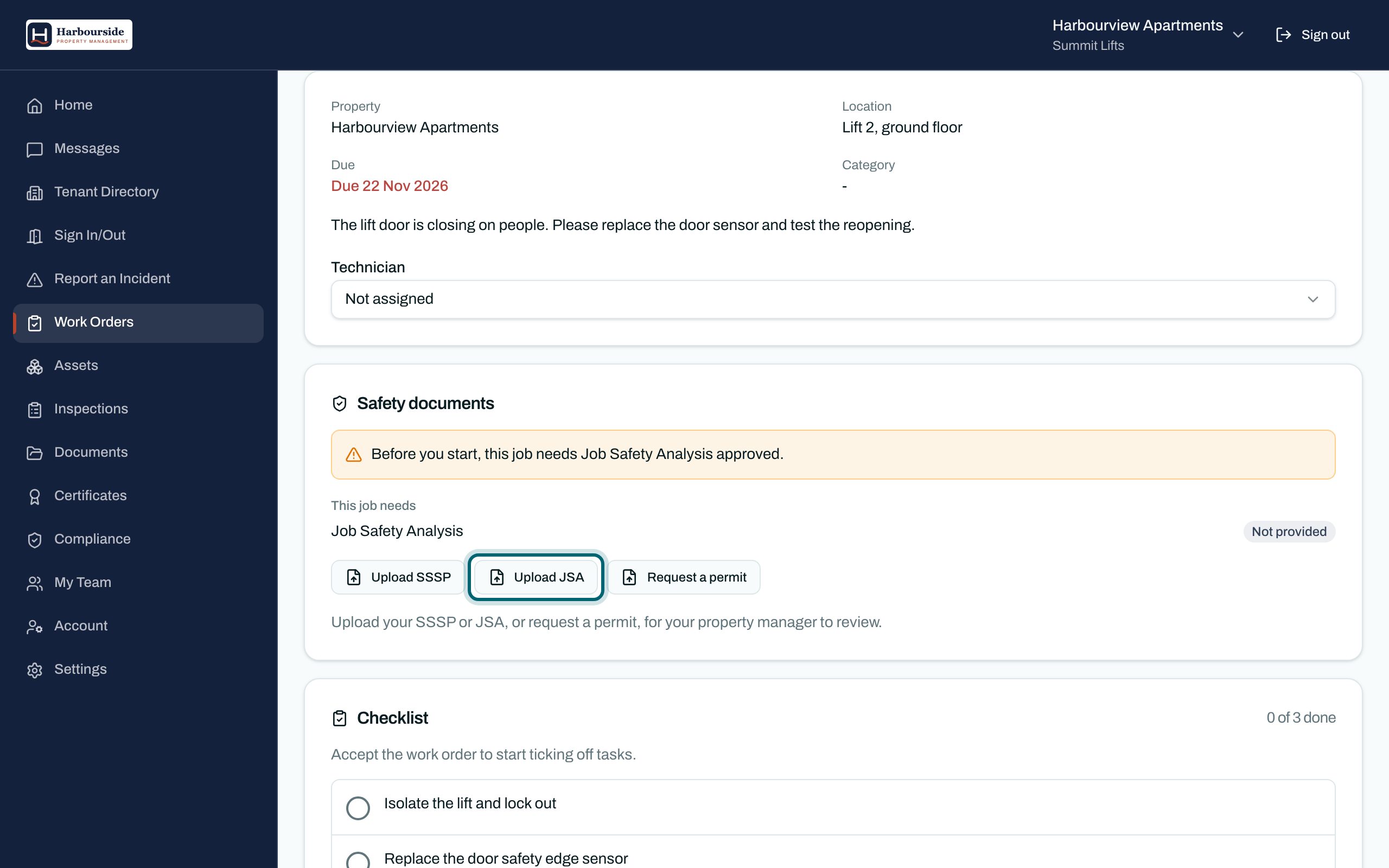
Under Safety documents, This job needs shows what's required. Select Upload JSA (or Upload SSSP).
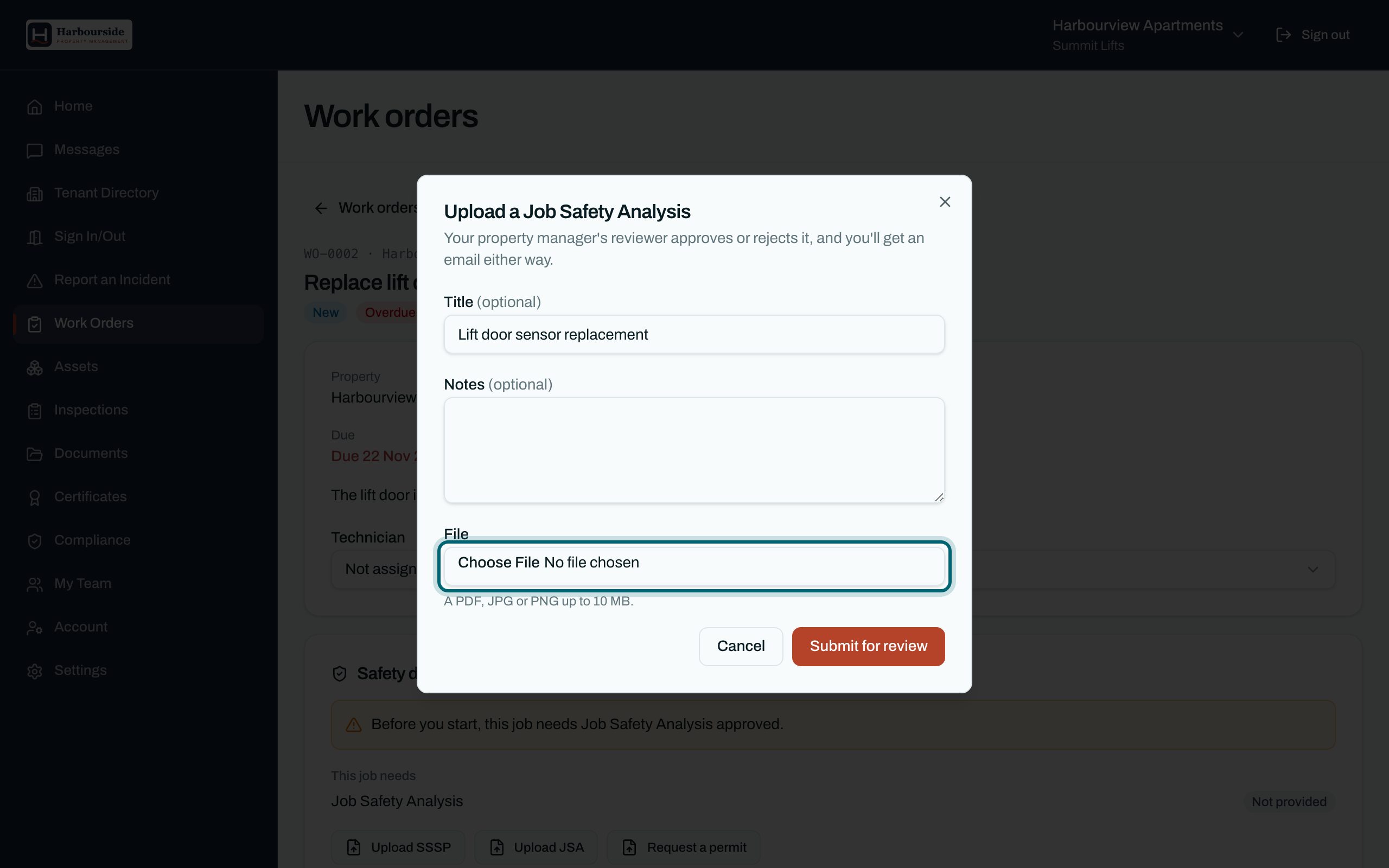
Give it a Title if you like (for example "Lift door sensor replacement") and add any Notes the reviewer should read.
Under File, choose the document.
Select Submit for review.
The document now shows on the work order as Waiting for review.
Requesting a permit
If the job needs a permit (hot works, working at heights, confined space, electrical isolation, excavation or another kind), select Request a permit instead. Choose the Type of permit, when the Work starts and Work finishes, and add any notes. Once it's approved you can download the permit as a PDF from the work order.
What happens next
The property's reviewer is emailed and reviews it.
You're emailed when it's approved or rejected, and the status changes on the work order.
If it's rejected, the reason shows on the work order. Fix what they've asked for and upload a new version.
While it's still waiting for review, you can select Withdraw to take it back, for example to upload a corrected file.
Common problems
Can I start the work before it's approved? The portal doesn't stop you, but you'll see a warning and your property manager is told you started without approved safety documents. It's best to wait for approval.
I can't see Upload JSA. Safety documents can only be added while the work is still to do. If the job is already complete or cancelled, contact your property manager.
My file won't upload. Check it's a PDF, JPG or PNG and under 10 MB. Photos of paper forms work well as JPGs.
Last checked against the app on .