Send an inspection now, or pause a schedule
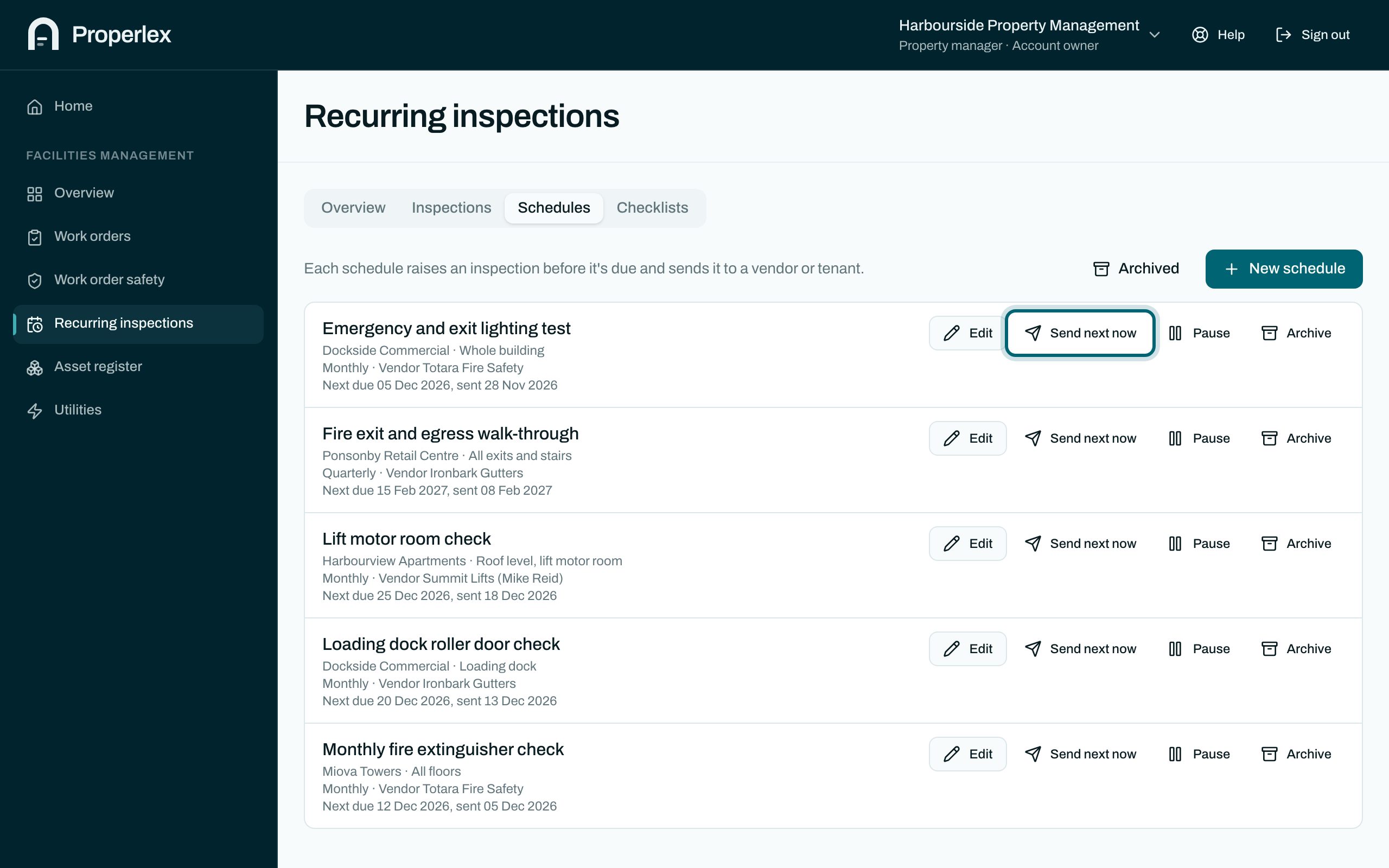
In Recurring inspections, Schedules, select Send next now to raise the next inspection straight away. Select Pause to stop a schedule for a while, or Archive to end it.
- For
- Property managers
- Needs
- Recurring inspections switched on
You can send the next inspection early, or stop a schedule without losing it.
Steps
Go to Facilities Management, then Recurring inspections, and open Schedules.
Next to the schedule:
Select Send next now to raise and send the next inspection straight away.
Select Pause to stop sending inspections. Resume starts it again.
Select Archive to end it. Select Showing archived to find it, and Restore to bring it back.
Select Edit to change it. Changes apply to inspections sent from now on.
Last checked against the app on .