Follow an incident you reported
Select Report an Incident on your home page. Each report you've made shows where it's up to - received, being investigated, actions underway or closed.
- For
- Tenants
- Vendors
- Partners
- Needs
- Incident reporting switched on
You can see every incident you've reported and where it's up to.
Steps
On your home page, select Report an Incident.
Your reports are listed with their reference number, for example INC-000123. Use Search incidents or Status to find one.
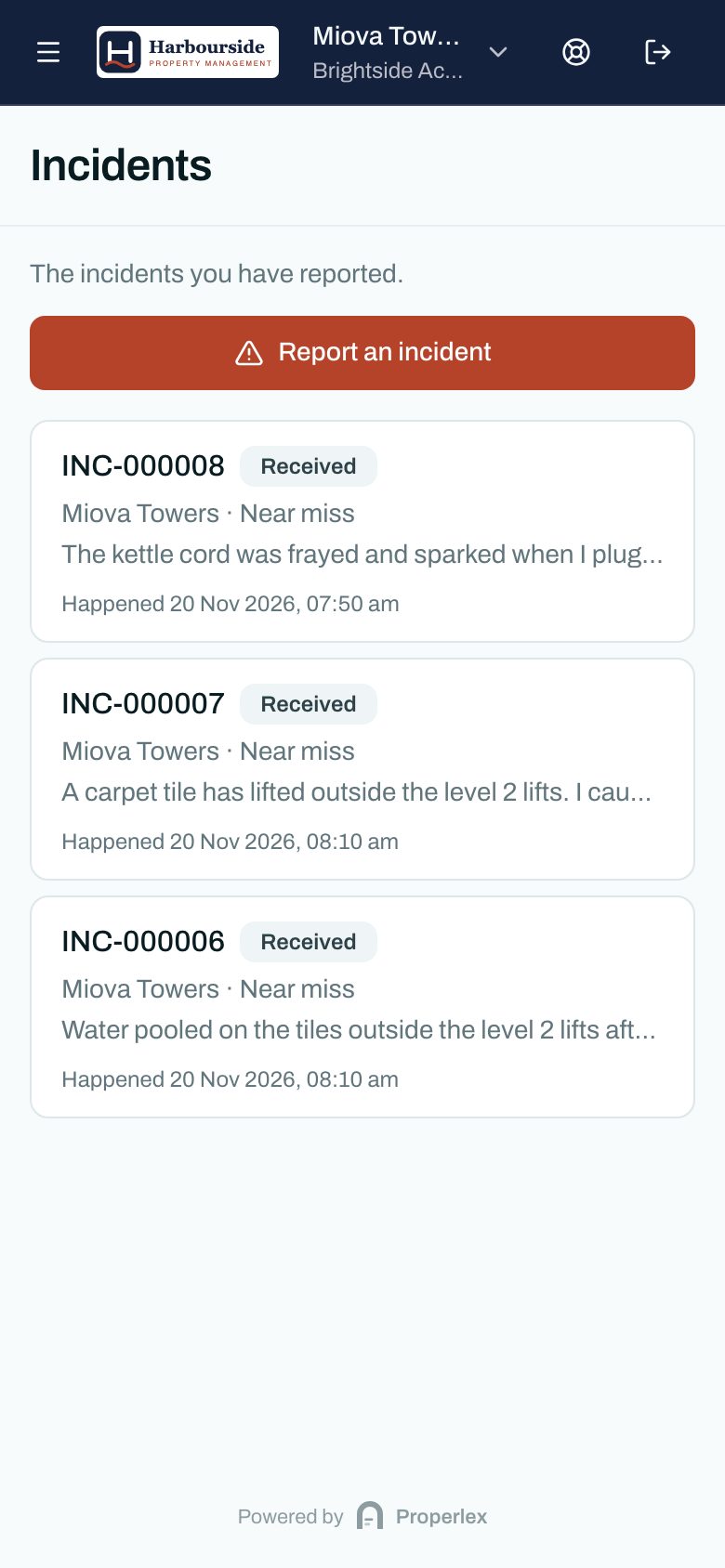
Open a report to see Progress and What you told us.
What the progress steps mean
Received: it's reached the person who looks into incidents at your property.
Being investigated: they're looking into it.
Actions underway: they're fixing what caused it.
Closed: it's finished.
Common problems
I want to add something to my report. A submitted report can't be changed. Tell your property manager and quote the reference number.
I started a report and didn't finish it. It's under Your unfinished reports. Select Continue to finish it, or Discard to delete it.
Last checked against the app on .